Admin
Whitelabeling
Learn how to replace the default Webiny logo, title, and theme colors with your own branding.
- how to replace the default Webiny logo in the Admin application
- how to customize the application title
- how to adjust the Admin color theme
Overview
The Admin application ships with Webiny’s default logo, title, and color theme. You can replace all of these through an Admin extension using the AdminConfig API — no changes to core Webiny code required.
Quick Setup
Run the following command to quickly set up the extension in your Webiny project:
yarn webiny extension whitelabeling
Once the extension is in place, start the webiny watch command:
yarn webiny watch admin
Alternatively, continue reading this article to learn how to create this extension from scratch.
Creating the Extension
Create a new file extensions/AdminBranding/AdminBranding.tsx:
Place your logo image at extensions/AdminBranding/logo.png. The AdminConfig.Public wrapper makes the configuration available throughout the Admin app.
The three customization points are:
Title— sets the application title shown in the browser tab and headerLogo— accepts two logo variants:squareLogo(used in the sidebar) andhorizontalLogo(used on the login page)Theme.Color— overrides theme palette entries;paletteis the color role (e.g.,"primary","neutral") andcoloris any valid CSS color value
Registering the Extension
Add the extension to webiny.config.tsx:
With the extension registered, run the following command to see your changes in action:
If everything went correctly, you should see your custom branding applied to the Admin application:
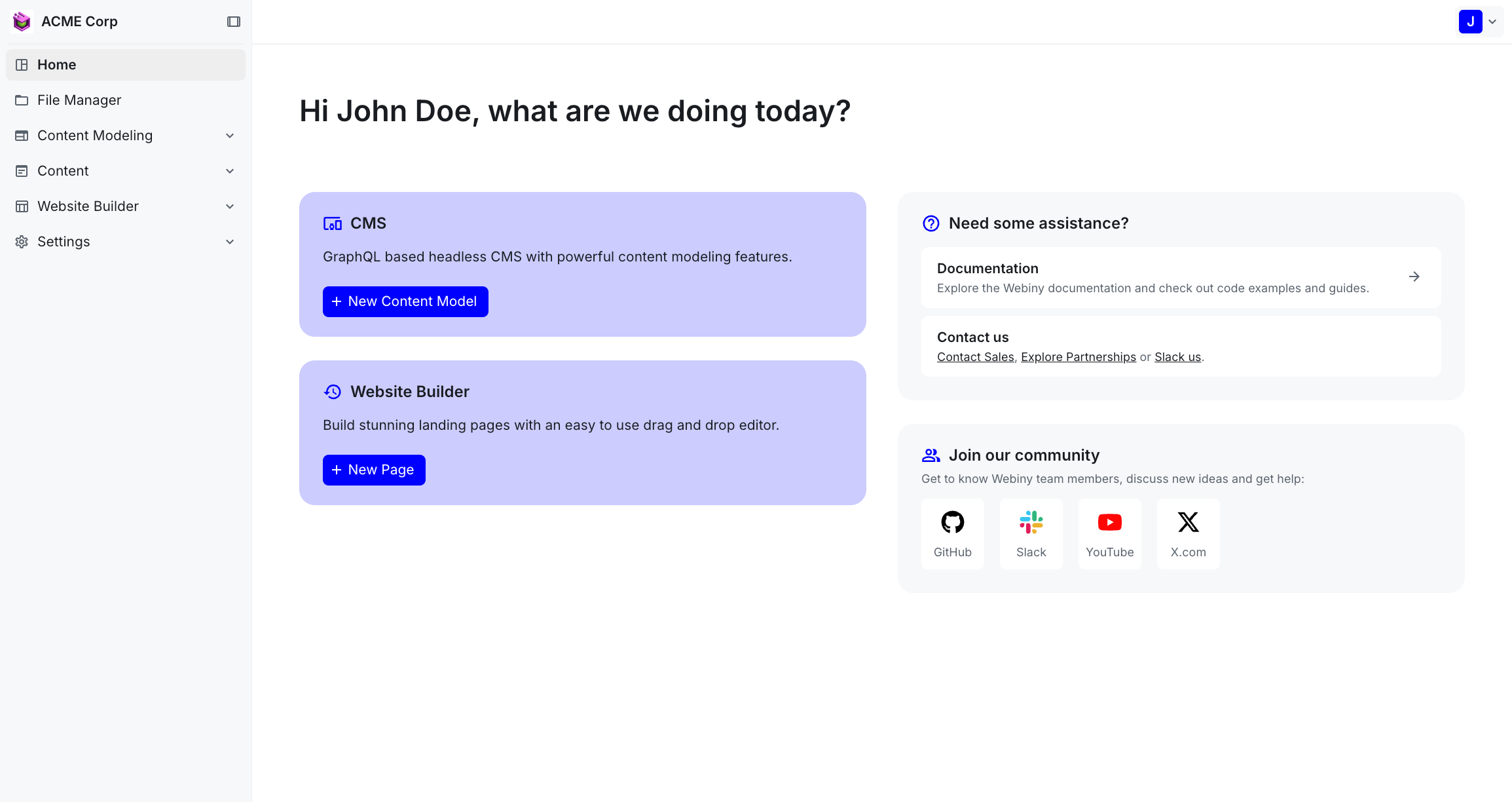 Admin application with custom branding applied